
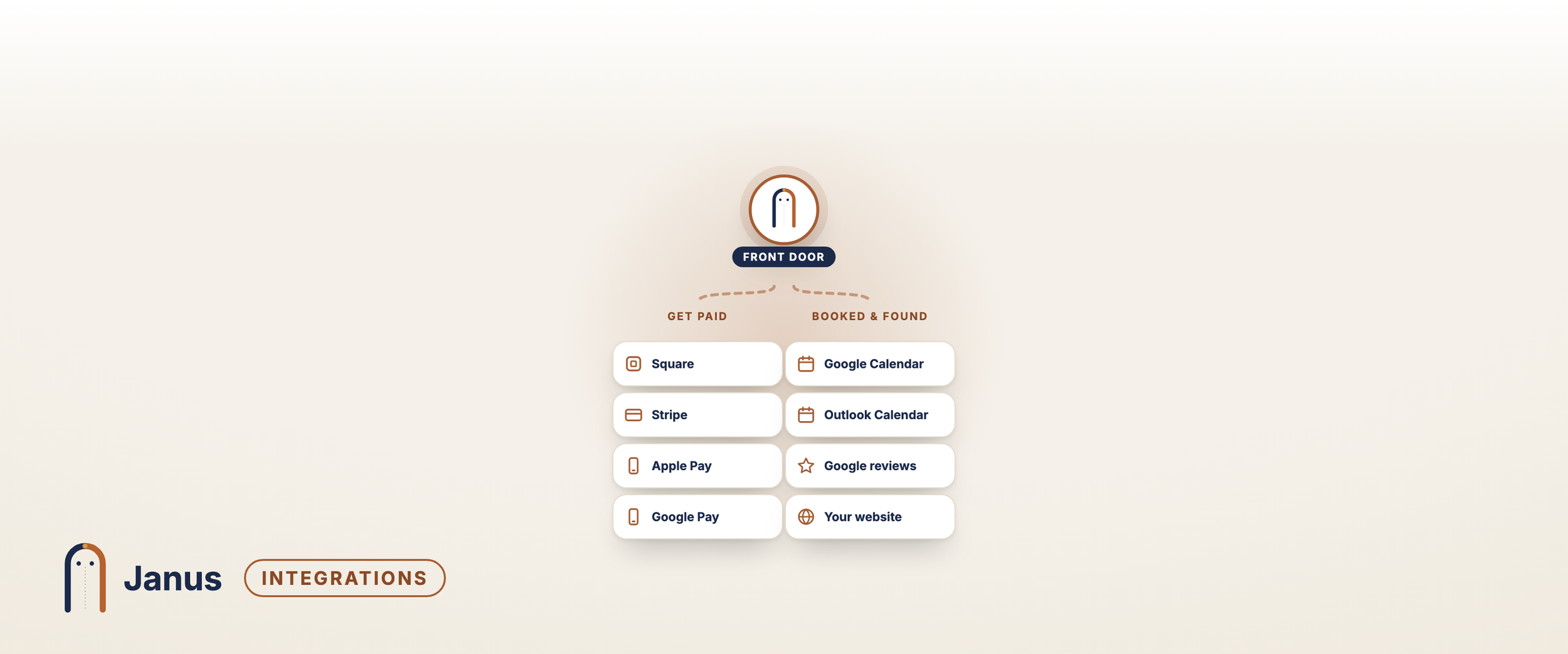

Works with the tools you already use
Take payments through your own Square or Stripe account, keep every visit on your Google or Outlook calendar, and send prospects to one link from your website, your Google listing and your cards.
Connect what you already have in a few minutes, from Settings → Integrations. Nothing to install, and nothing to switch away from.
Get paid
Square
Your Square account, your rates. Janus never takes a cut.
Connect the Square account you already use. When a job or visit is done, tap Text pay link: your customer gets a link to Square’s secure page and pays from their phone, adding a tip if your business takes tips. When the money comes in, Janus marks the job paid, with the tip recorded separately and credited to whoever did the work.
· Charge in person: on your phone, Charge in Square app opens Square’s own app with the amount, so you can take a card with a Square Reader or Tap to Pay.
· Deposits, then the balance: ask for part up front and the rest when the work is done. Janus shows what’s paid and what’s still due.
· Refunds stay in Square. Refund there as usual, and Janus takes the payment off the job.
· Card details stay with Square. Janus never sees them.
Stripe
The same pay links, through your own Stripe account.
Prefer Stripe? Connect your own account instead. Your pay link opens a page with your logo, the visit and the price; your customer chooses a tip (or none) and pays on Stripe’s secure page. Janus marks it paid when the money comes in. Deposits, balances and refunds work the same way as with Square.
Apple Pay and Google Pay
Your customers can pay the way they like. Square’s and Stripe’s payment pages offer Apple Pay and Google Pay alongside cards, so paying from a phone takes a tap. Nothing to set up in Janus.
Cash or check? Tap Paid another way and Janus marks the job paid, with or without Square or Stripe.
Keep your calendar in one place
Google Calendar and Outlook
Every visit on the calendar you already check, and never a double booking.
Connect Google Calendar or Outlook. Every visit, whether a customer books it or your team does, goes on that calendar; moving or cancelling it in Janus updates it there too. And Janus reads when you’re busy, so your booking page and the AI phone assistant never offer a time you’ve already got something in.
· Your whole team: each person can connect their own calendar, so customers only see times that person is free.
· Works with what you have: Google Workspace, Gmail, Microsoft 365 or Outlook.com.
Be found, and get reviewed
Your website
One link for everywhere a prospect finds you. Put your Janus booking page or request form behind the buttons people already use: your website’s “Book now” or “Request an estimate” button, your Instagram and Facebook links, your Google listing, and a QR code on your cards and sign. Works with Squarespace, Wix, WordPress, GoDaddy and any site that can link to a page.
Google reviews
Happy customers go straight to your Google review page. After a visit, Janus texts a quick rating request. Customers who are happy are sent to your Google listing to leave a review; anyone less happy comes to you first, so you can make it right.
Send your leads to your own system (Pro)
On Pro and Multi-Location, Janus can send every new lead to a system you choose the moment it arrives: your own database, a spreadsheet tool, or the software your developer connects. Each one is signed, so your system knows it came from Janus.
Bring your list in, take your data out
Import your customer list from a spreadsheet when you start, and export a full copy of your data at any time.
What it costs
Every integration on this page is included in every plan, except sending leads to your own system, which is on Pro and Multi-Location. Square and Stripe charge their usual card fees on payments; Janus adds nothing on top. [See plans and pricing]
-
No. Only to take card payments through Janus. Use the account you already have, or open one with Square or Stripe; it’s your account and your rates. You can still mark jobs paid in cash or by check without either.
-
No. A business connects one or the other. Disconnect one under Settings → Integrations to switch.
-
No. Customers pay on Square’s or Stripe’s own secure page, or in Square’s app. Janus only hears that the payment went through, for how much, and the tip.
-
Refund it in Square or Stripe as usual. Within a minute or so, Janus takes that payment off the job; a refunded deposit shows as owed again.
-
Google Calendar (including Google Workspace) and Outlook (Microsoft 365 and Outlook.com).
-
Yes. Link your site’s buttons to your Janus booking page or request form, and add the QR code to anything printed.